
Kit from Parts (/cu:kit)
One command turns a Fab pack of loose meshes into a tileable wall piece. Claude photographs the pack, proposes which part plays which role, shows you every orientation, and bakes the piece — you answer three times.
Natural-language example
ⓘ /Game/WhiteCastle is the content folder of YOUR pack — replace it with wherever your kit-of-parts meshes live. WhiteCastle is only the pack used in the demo; it is not bundled with the plugin.
The workflow
Stand the pack on its own stage
Claude builds and opens a flat, evenly lit level for the pack, saving whatever level you had open first. Every sheet that follows is photographed there, never against whatever terrain happened to be loaded.
Gate 1 — which part plays which role
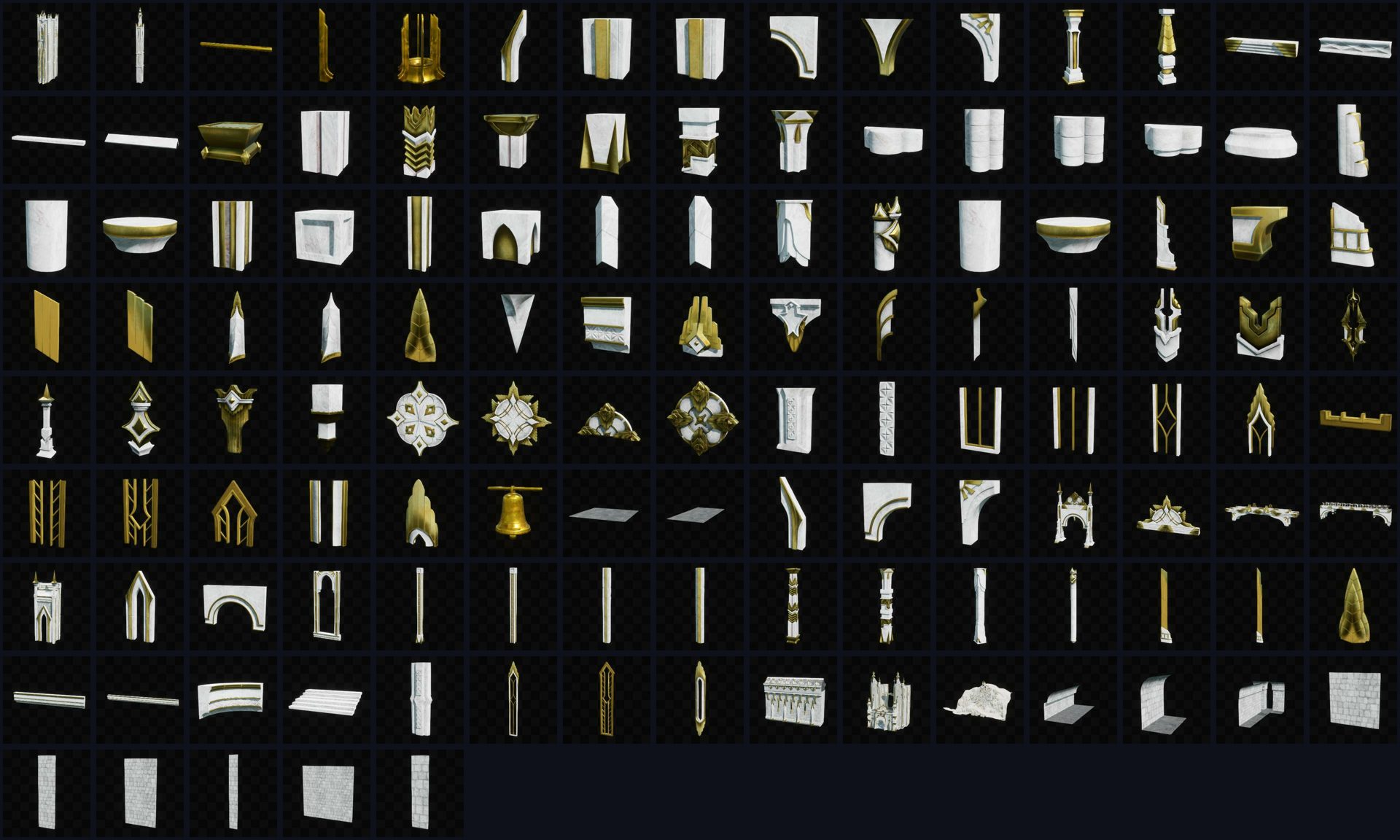
Every mesh is measured and photographed into one sheet in the Preview tab. Claude reads the thumbnails itself and proposes a binding: the wall skin, the cap, the pier, the windows, the string course, the cornice, the arch. Names lie — the part called “buttress” in the sample pack is a gilded finial — so the proposal is made by eye, and you correct it in one line.
Gate 2 — every orientation on one sheet
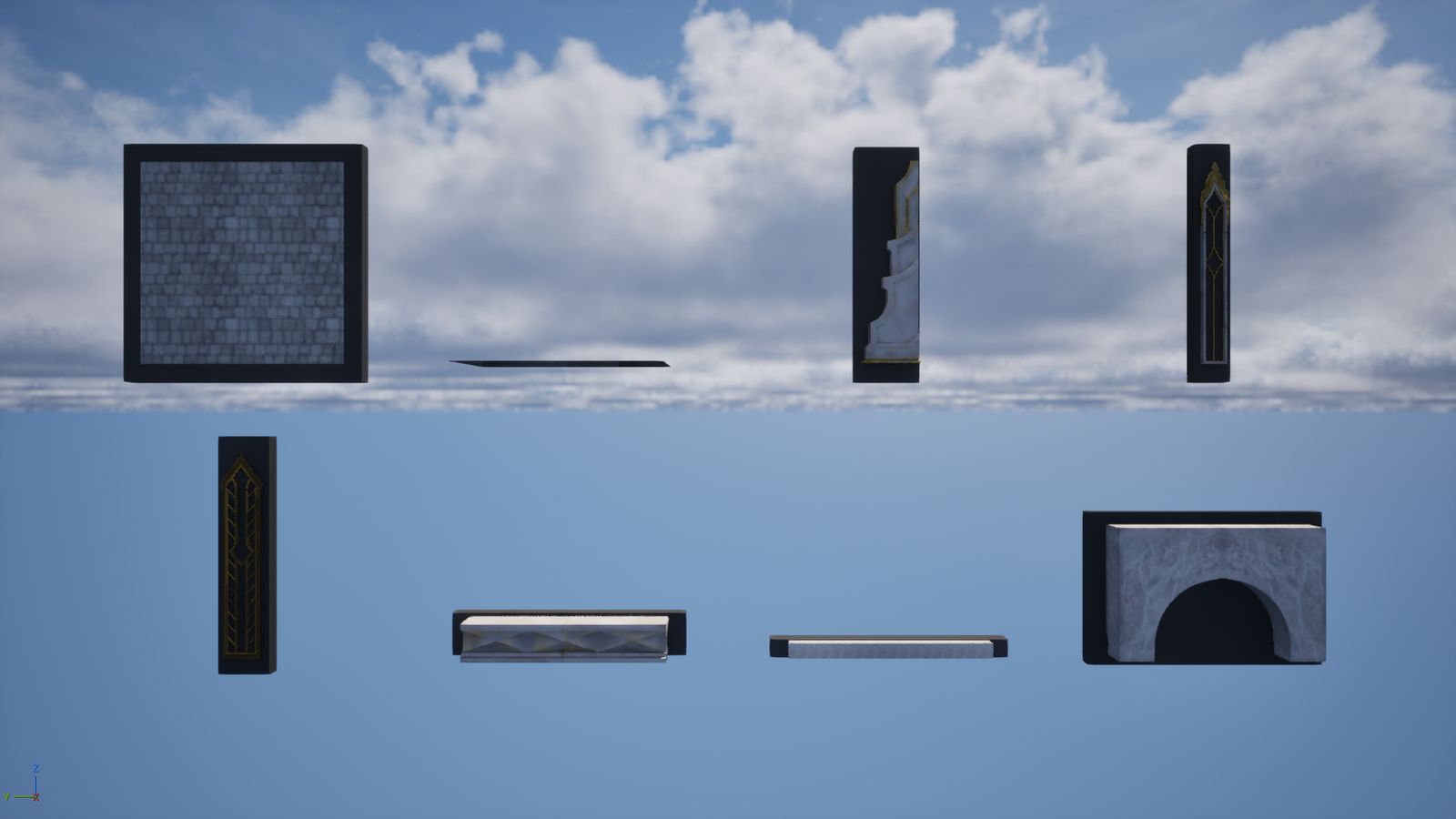
The bound parts stand in a row, front and three-quarter, each against a grey slab: the wall it will be pressed against. A part facing the wrong way visibly stands off its slab. Say “yes” or “number 3, turn 90” once for the whole pack, and Claude bakes all of them into a canonical form: pivot at the footprint centre, front one way, length along one axis.
Gate 3 — the piece, in three views
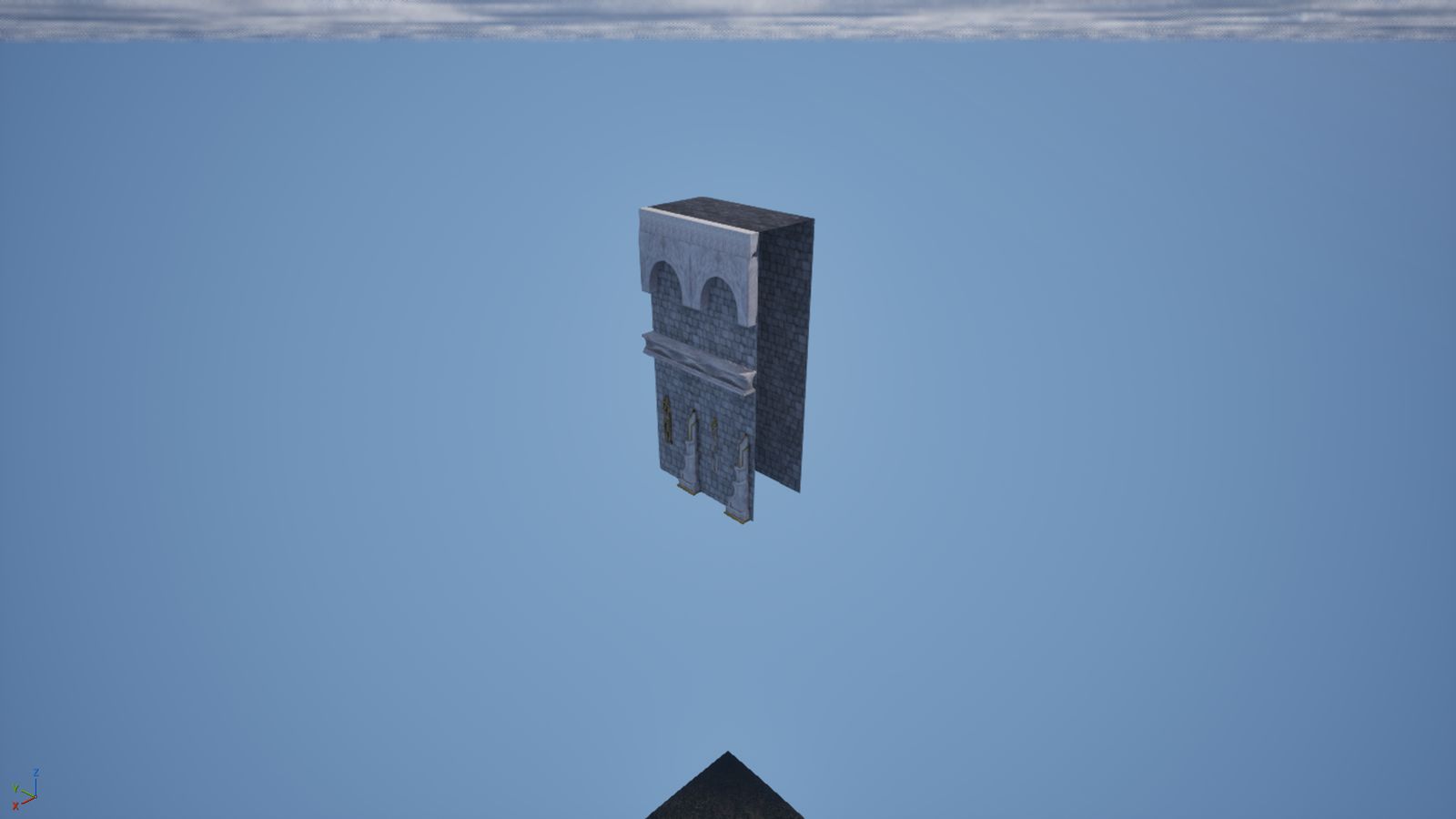
A recipe crossed with your binding is proposed as front, back and three-quarter views before anything is written. Say “bake it” and it becomes one merged mesh — two courses of wall, piers on both edges, a string course and cornice between them, alternating windows below, a two-arch arcade above. Claude tiles three copies side by side and checks the joins itself.
See what you have
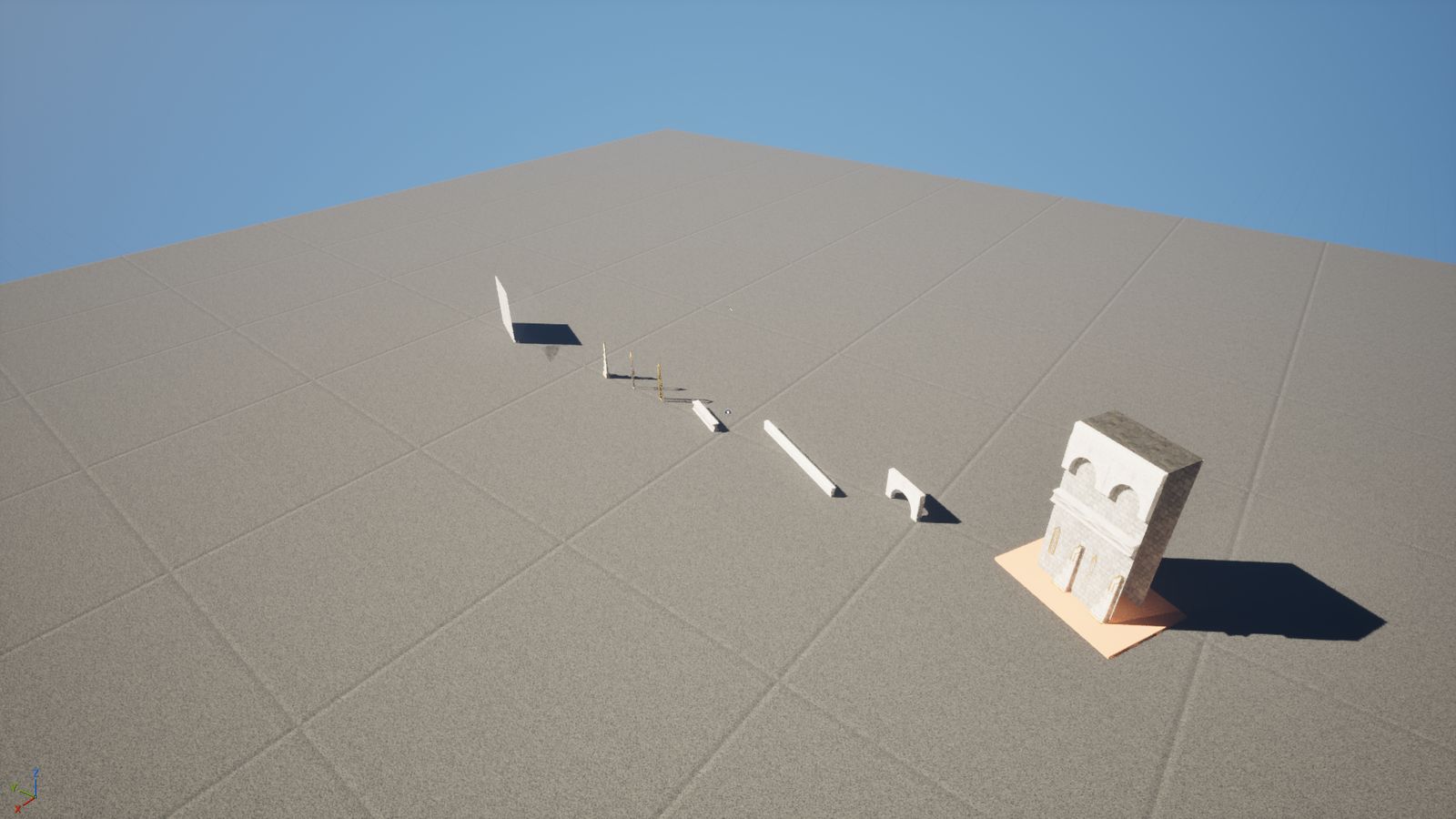
The finished kit stands on its stage: your loose parts in a row, and on a plinth beside them, the piece they became. Two JSON files beside the formatted assets — parts.json and pieces.json — are the record, and they belong in version control. Reopen the editor later and get_pack_status tells you what is still on disk.
What it looks like
Demo
Episode 22 — 125 loose Fab meshes in, one tileable castle wall out, three answers from the human.