
Walls along a Line (/cu:wall)
Name a shape — a ring, a rectangle, a star fort, an arc, or a line you draw — and Claude turns it into a spline you can drag, then lays the kit along it: rigid pieces with a tower at every corner, or the wall itself bending with the curve. You answer once.
Natural-language example
ⓘ /Game/WhiteCastle is the pack whose kit you built with /cu:kit — its pieces.json must name a curtain and a tower. The wall goes into whatever level is open; the workflow never switches levels.
The workflow
Check the kit and the level
Claude reads the pack's records — which pieces exist and which are still on disk — and names the level that is open, because that is where the wall will stand. Nothing is spawned; if a piece is missing you hear it now, not after eighty actors.
Gate — lay the wall along this line?
A style and its parameters in modules (never centimetres) become a Spline actor whose control points are already snapped so every edge is a whole number of modules, with a vertex — a tower — every few modules. A top-down photograph lands in the Preview tab and Claude asks once. Say yes, or drag the points in the editor first: the build reads the actor's current points, so hand edits count.
Plan, then build
Without apply, the plan: every piece's position and yaw, the crest height per edge, a three-quarter shot of the first edge, and a report naming any vertex where the ground steps higher than the tower can hide. Then apply. tile lays rigid pieces with a tower at every vertex; bend curves a plain curtain along the line with no towers. A gate can stand in any edge. Re-running replaces the wall.
The record, and the way back
walls.json beside parts.json and pieces.json records what was laid — mode, binding, the snapped points, the counts — and belongs in version control. get_pack_status names a wall whose actors have gone; wipe_wall_spline removes a wall and keeps the line, so a different kit can be laid on it.
What it looks like
Demo
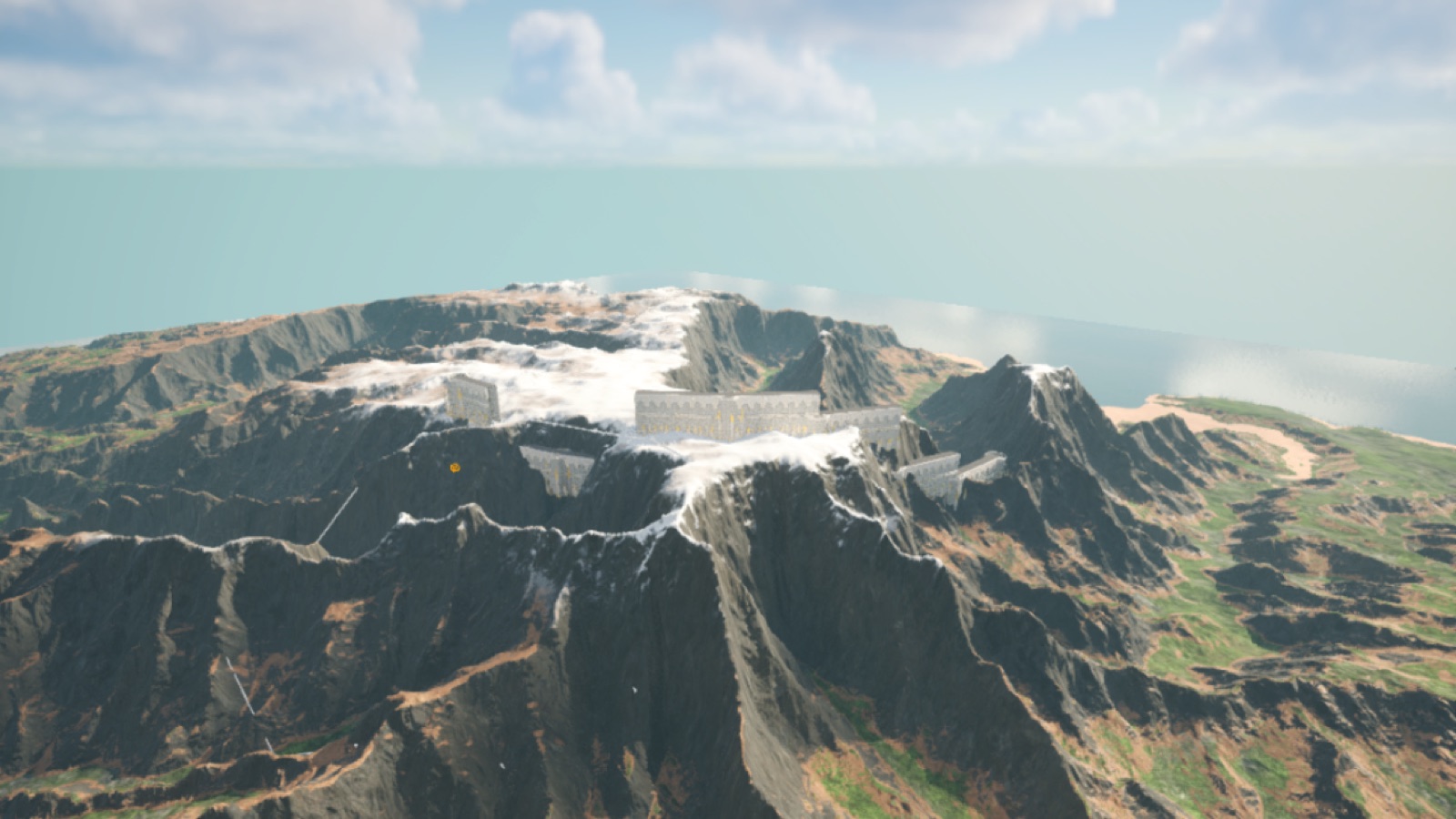
Episode 23 — a ring of walls around a hill, from one sentence to the built wall.